
Ship log
What agent-native and MCP actually mean
A plain explanation of agent-native software and Model Context Protocol, how to expose your product to Cursor/Claude/ChatGPT, and fifteen project ideas that aren't another thin chatbot.
I’ve been using Cursor and Claude long enough that the question shifted.
It used to be: can I ship a site this weekend?
Now it’s: once I ship it, can someone else’s agent use it — schedule something, look something up, file a packet — without opening a tab and clicking through my UI?
That’s the fork. One side is another dashboard. The other is agent-native: the product’s real surface is tools an agent can call.
I wrote a shorter field note on products that already look like this — Post Bridge, Composio, Browserbase, Arcade. This piece is the primer: what the words mean, how you’d build for it, and a pile of ideas that aren’t “ChatGPT with a landing page.”
What agent-native is
Agent-native is not a chatbot bolted onto the homepage.
It means the core loop still works if the caller is Cursor, Claude Code, ChatGPT, Grok, or a Discord bot. A human still pays and connects accounts. The agent is the operator.
A normal app says: please log in and click.
An agent-native app says: here are named actions — create_post, diff_bids, ask_rulebook — with auth and rules. Talk to those.
The human UI can exist. It just isn’t the only door.
What MCP is (without the acronym fog)
MCP is Model Context Protocol — an open way for AI apps to discover and call tools.
Think USB for agents. Before USB, every gadget brought its own cable. Before something like MCP, every product invents a one-off “Claude plugin” and a different one for Cursor.

With MCP you stand up a server that exposes tools (name, description, inputs). Cursor / Claude / ChatGPT / Grok connect to that server. The model sees the tools and can call them when the user asks.
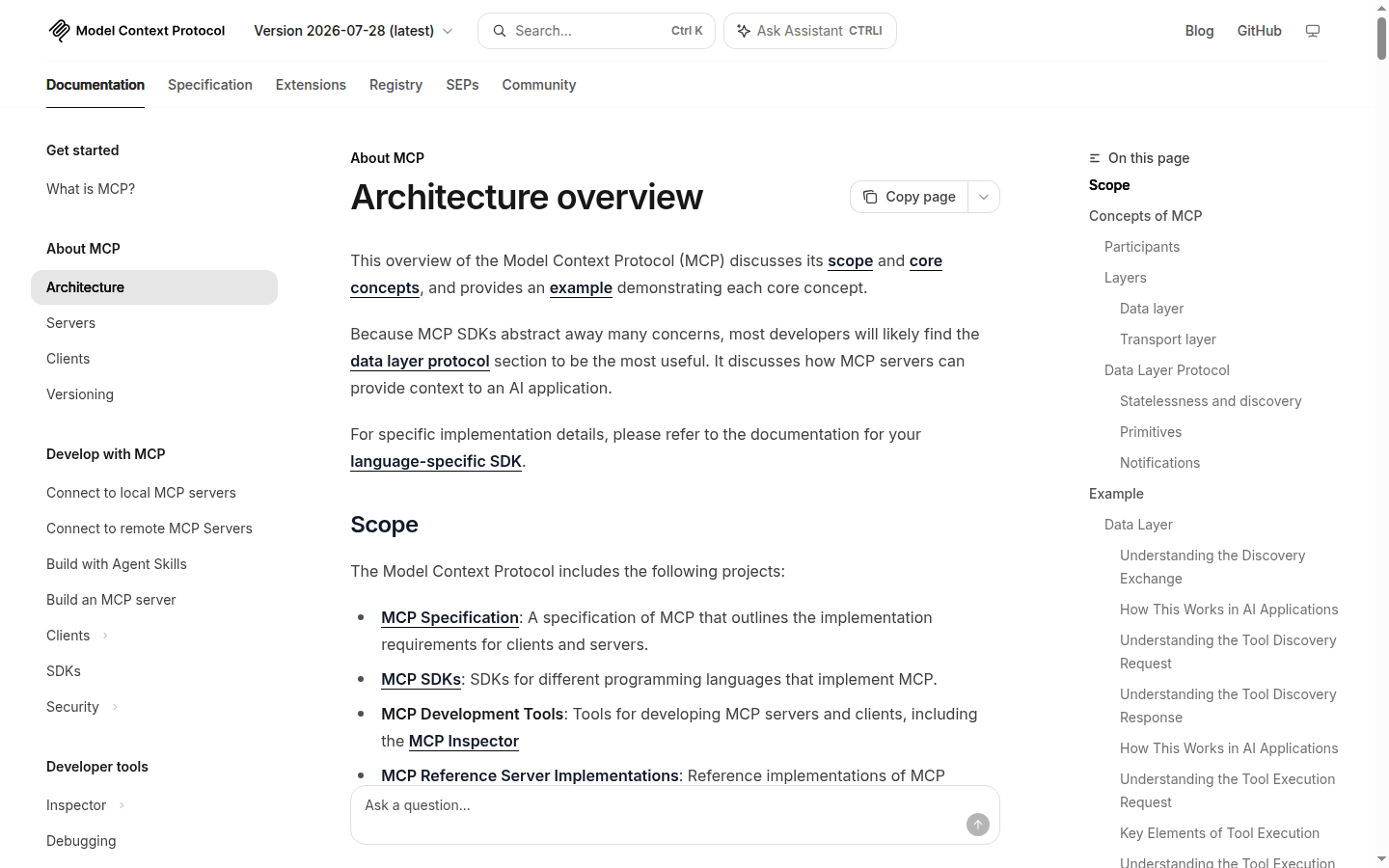
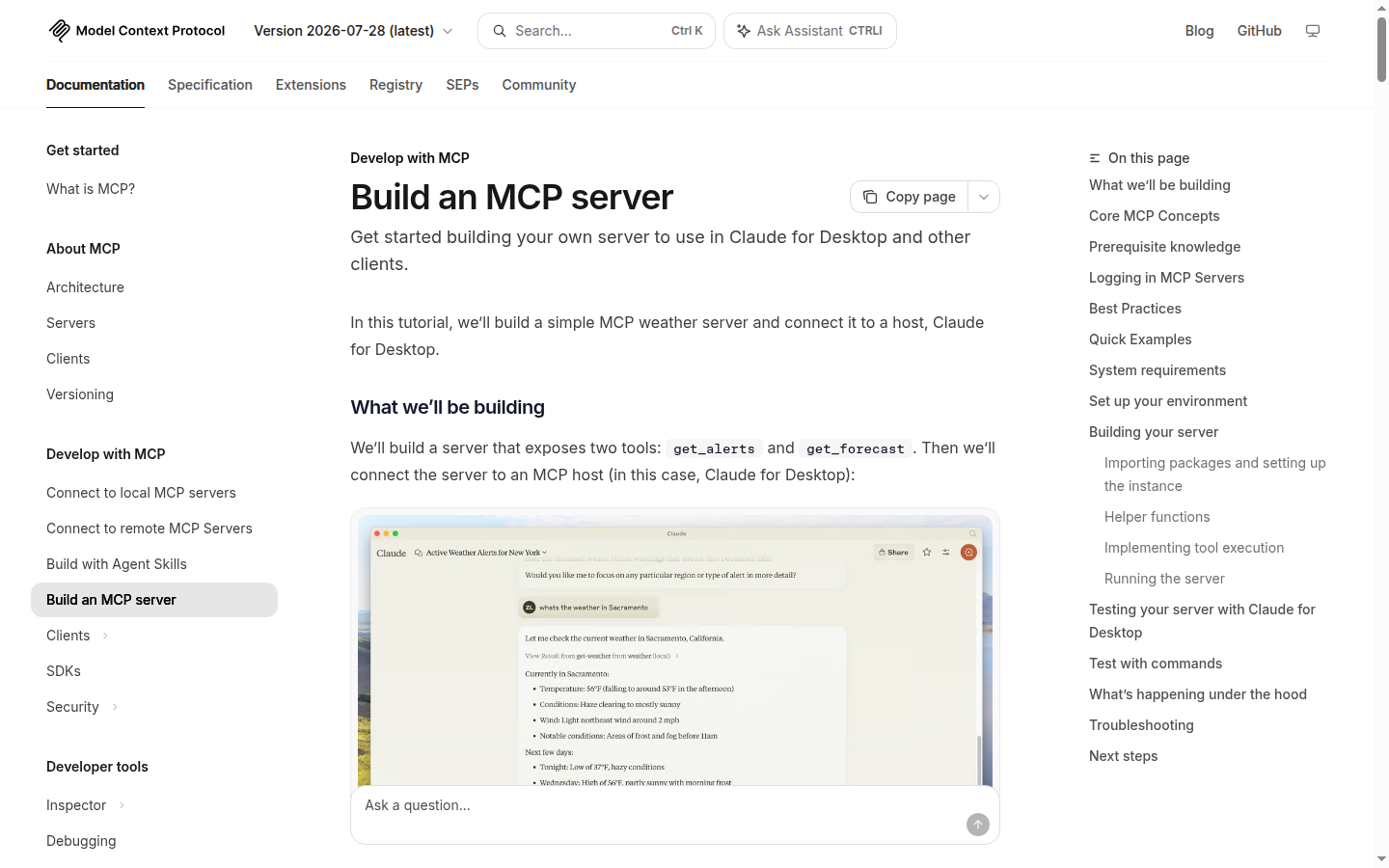
The official docs are worth ten minutes: introduction, architecture, and the server quickstart.
MCP is the plug. Your product is still the hard part: accounts, edge cases, trust.
You still need:
- Auth — API key or OAuth so the agent acts as that user, not as the open internet
- Clear tools — 5–15 named actions beat 200 vague ones
- A skill or short playbook — when to use which tool, rate limits, what never to do
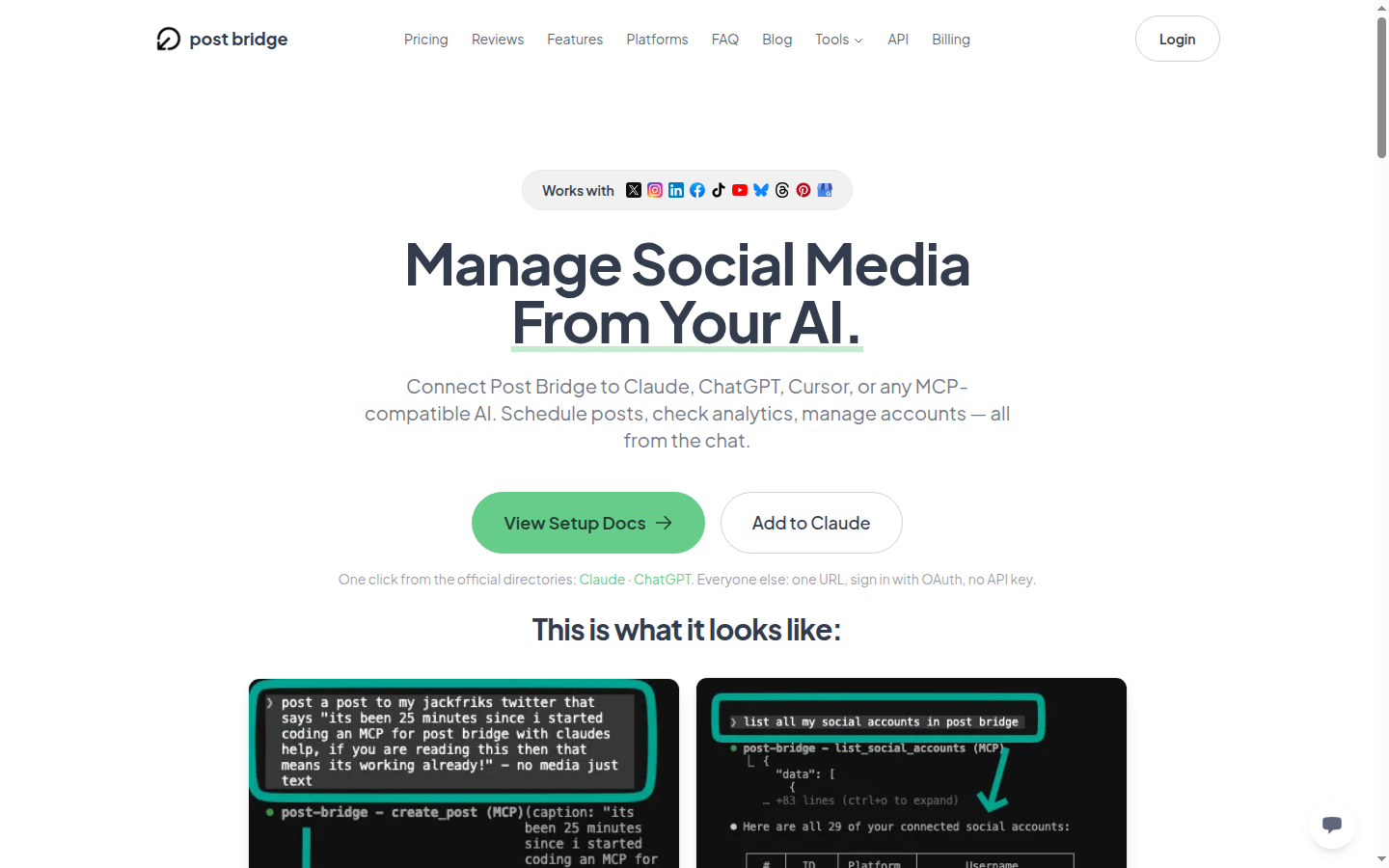
A working public example of the whole pattern (product + MCP + skill) is Post Bridge’s agent mode — social posting as tools an agent can call. I walked through that shape here.
How you build so agents can use your project
Rough sequence I use as a checklist:
- Write the job as verbs. Not “a bidding app.” →
ingest_bid_pdf,normalize_line_items,diff_bids. - Ship those as an API first (even if ugly). Agents don’t need your React layout.
- Wrap the API as MCP tools (or host them somewhere that speaks MCP). One URL or one config block in the client.
- Put auth in front — Bearer key or OAuth. Blast radius matters if the tool can post, cancel, or charge.
- Add a skill file — examples, failure modes, “always confirm before X.”
- Make the UI optional for the core loop. Dashboard for humans who want it; agents shouldn’t need it to finish the job.
- Help agents find you — clear docs,
llms.txt, honest positioning. If you’re scoring decade bets, isitaiproof.com is where I park that question publicly.
You’re not bolting on “AI features.” You’re building distribution into agents.
Fifteen ideas that aren’t another thin wrapper
Each one is a short verb list an agent could call, plus a reason a chat UI alone isn’t enough.
1. Family medication timeline
add_med, med_history, flag_for_pharmacist_review. Parent’s agent: “What changed after July?” Human confirms anything clinical. Moat: household shared auth + audit trail.
2. Youth sports return-to-play log
log_symptom_day, export_for_trainer, compare_to_protocol_checklist. Agent keeps the boring daily log; trainer gets a clean packet. Notebook with structure — not a diagnosis engine.
3. Neighborhood clinic wait-time beacon
ping_wait, subscribe_zip, alert_when_under_n. Clinics publish anonymous queue depth; agents subscribe by zip. “Text me when it’s under 20 minutes.”
4. Meal-plan agent for constrained diets
week_plan, swap_ingredient, grocery_list. User pastes dietitian rules once. Agent plans groceries; human owns the medical constraints.
5. Travel clinic shot-and-rx checklist
trip_requirements, checklist_progress, pharmacy_reminders. “Two weeks in Kenya in March” → agent maintains the checklist against a destination table you update.
6. Elder-care shared calendar for adult kids
add_appointment, who_is_driving, med_pickup_rotation. Siblings’ agents coordinate without a 40-message group text. Family roles are the product.
7. Rental-application document packer
collect_docs, redact_preview, landlord_packet. Agent assembles PDFs tenants already have. Painful busywork, clear tools.
8. Local contractor bid comparer
ingest_bid_pdf, normalize_line_items, diff_bids. Three messy quotes in; comparison table out. You win on parsing, not on LLM prose.
9. Dependency “can I upgrade?” desk
check_release, breaking_changes_summary, test_impact_guess against their repo via MCP. Devs already live in Cursor; you’re the upgrade risk desk.
10. Indie podcast guest booker
suggest_guests, draft_outreach, track_replies, schedule_hold. Host’s agent runs the pipeline; human approves sends. CRM for people who hate CRMs.
11. HOA / condo rule Q&A with citations
ask_rulebook, cite_section, file_request_ticket. Upload bylaws once. Agent answers with page references — or says it doesn’t know.
12. Small-shop referral / order status tracker
log_request, mark_received, nudge_overdue. Front desk talks to Slack; agent hits your status API. Audit log is the product.
13. Event seating + dietary agent
add_guest, set_allergy, table_constraints, export_caterer_sheet. Chaos domain, structured tools, obvious willingness to pay once.
14. “Unsubscribe and retain” agent
list_subscriptions, cancel_with_confirm, export_data_request. User grants access; agent does the clicks through a browser tool you host. Confirmations required.
15. Field-service photo → claim packet
tag_photos, attach_to_job, generate_insurer_packet. Phone dump in; named packet for the office out.
What I’d do if I were starting tonight
Pick one painful weekly ritual. Turn it into about eight tools. Ship MCP + auth + a one-page skill. Skip the pretty dashboard until an agent has run the loop ten times.
If AI can redraw your screens in a weekend, the durable question isn’t “is my UI nice?” It’s: will someone hand an agent the keys to this?
Connected accounts, blast radius, and ops edge cases are why agent-shaped products are interesting. Thin chat wrappers aren’t.
Build something an agent can use without opening a tab.
Further reading
- Model Context Protocol · Introduction · Build a server
- Post Bridge MCP · Agent mode on GitHub
- llms.txt — help crawlers and agents find your docs
- isitaiproof.com — decade-bet catalog
- Prior note: Build projects that agents can actually use
Keep reading
- Build projects that agents can actually usePost Bridge, Composio, Browserbase — products shaped for agents.
- Why it's so hard to make money on the internetHonest traffic numbers from this site.
- When you're already a spine surgeon, why build software?Fun + replacing clinical income.
- Don't Quit Medicine. Build Leverage.Keep the license. Build anyway.
- We built our own analytics (no Google) — and how to add GA anywayHow Physician Forge tracks humans, bots, and AI referrals on a VPS with SQLite — public Stats walkthrough, the durability prompt that keeps deploys from wiping history, Cursor briefs for non-coders, plus optional Google Analytics.
- Cursor for people who don’t code — download, open a folder, give it a jobA physician-friendly Cursor onboarding: install, open a folder, Agent vs Ask vs Plan, screenshot walkthroughs, and the exact prompts to paste for your first small win.